Location visibility
Location-based attendance helps confirm where clocking happened: a client site, branch, project location or approved work area.
BioSyn Mobile Clocking lets authorised employees record their time on a mobile phone, while management keeps control of attendance, location and payroll data.
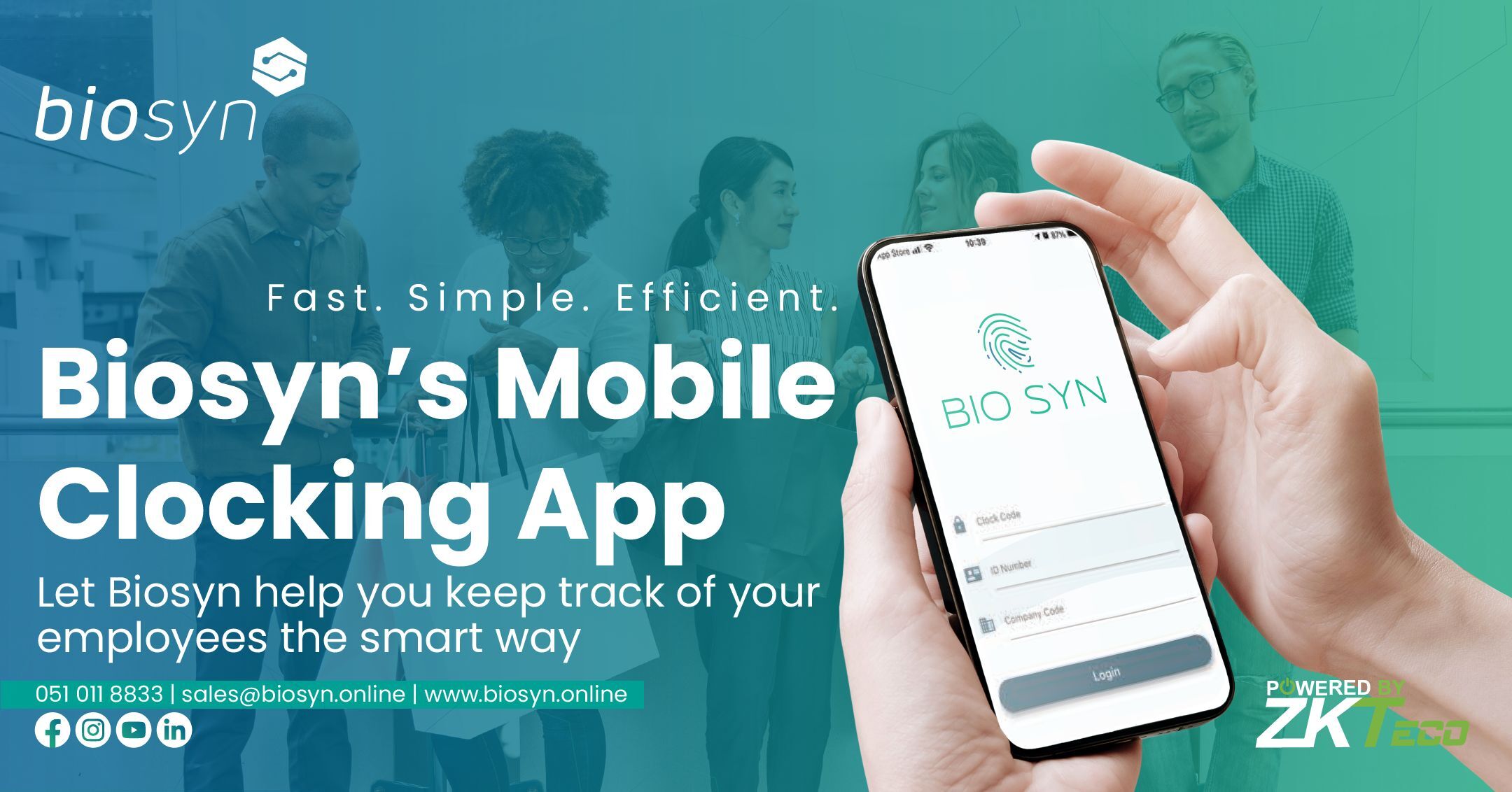
Not every employee starts the day at a fixed biometric terminal. Field teams, technicians, regional managers and multi-site staff travel between clients, branches and projects. Mobile Clocking lets them clock on their phone instead of only at a fixed device, so their time is recorded where the work actually happens. Managers then review those records in the BioSyn time and attendance platform before payroll.
A controlled process for mobile time recording, from the clock-in to payroll.
Location-based attendance helps confirm where clocking happened: a client site, branch, project location or approved work area.
Location data helps managers notice unusual clocking activity and reduce inaccurate attendance records.
Management reviews mobile clocking records before payroll, which cuts down manual corrections and missed clockings.
Employee permissions, location visibility, manager review and attendance reporting keep mobile clocking under your control.
See who clocked, when they clocked and where, so every record can be checked and explained.
Use mobile clocking alongside biometric, facial recognition, access control and other clocking methods.
Employees clock on the app. Location can be recorded with each clocking. Managers review the records in BioSyn before payroll.

Authorised employees clock in and out from their own phone at the client site, branch or project where they start work.
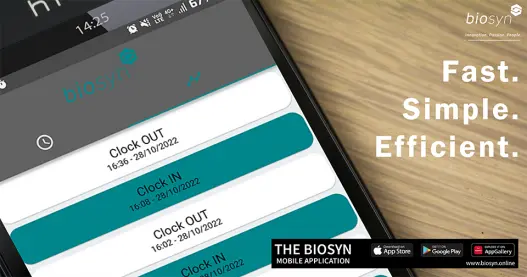
Records flow into BioSyn time and attendance, where managers review clockings and locations before payroll.
Businesses with staff who work away from a fixed office or travel between sites.
Yes. Authorised employees can clock in and out from a mobile device.
Yes. It can support location-based clocking to confirm where clocking happened.
Yes. It suits remote, field, regional, travelling and multi-site staff.
Not always. Many businesses use both, depending on the employee group and the working environment.
Yes. Clocking records feed into the attendance data that managers review before payroll.
Businesses with staff who work away from a fixed office, including field teams, remote workers, multi-branch teams and travelling employees.
The BioSyn app is available on the Apple App Store, Google Play Store and Huawei AppGallery. Your employer sets up your access and permissions.